Your own UPI id, your own money
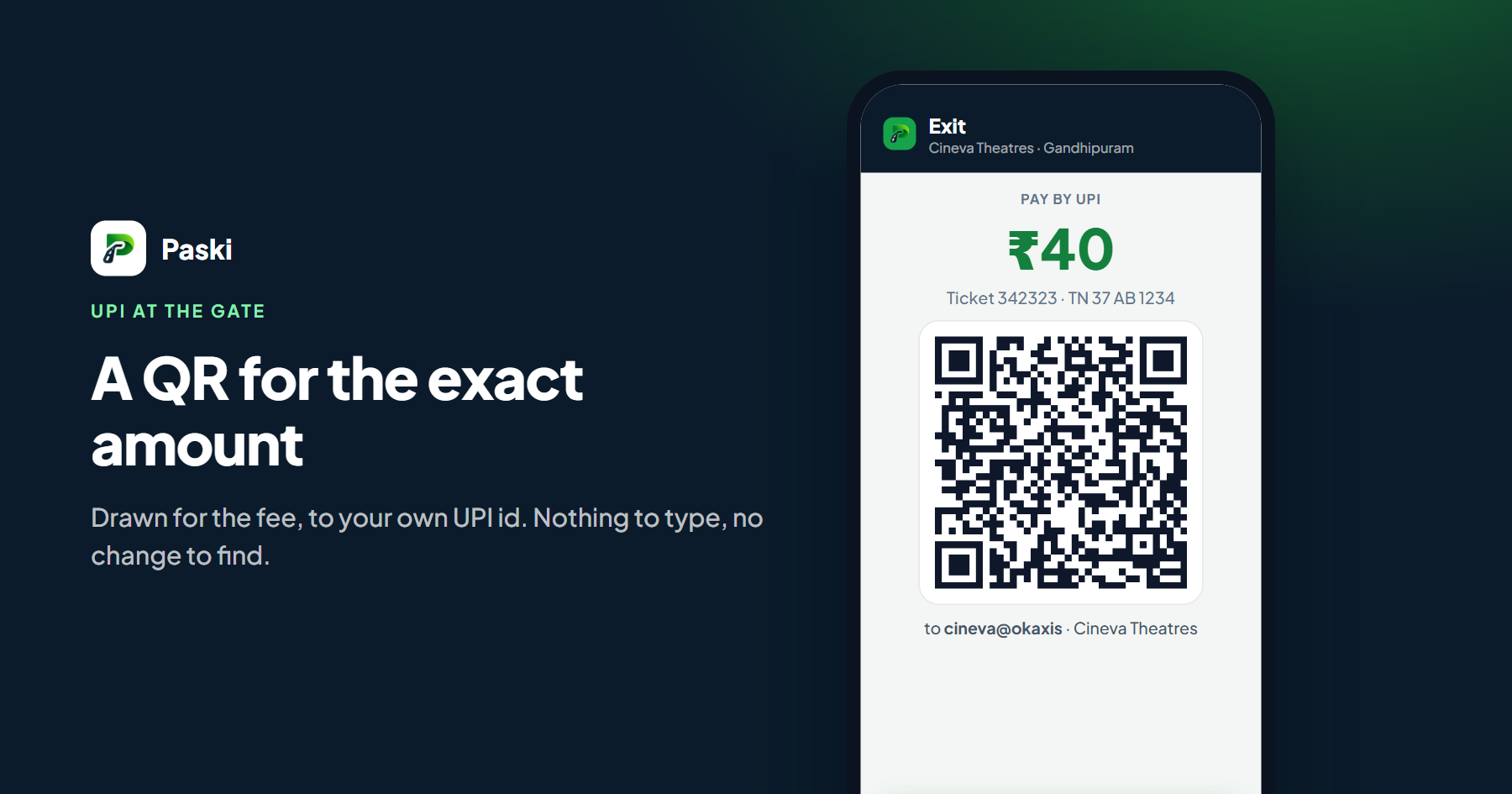
The operator types their UPI id once, under parking settings. From then on every QR the gate shows is a standard UPI payment request to that id: the money goes straight into the operator's bank account, the way it does with any UPI QR. Paski is not in the middle of the payment and takes nothing from it.
At the exit
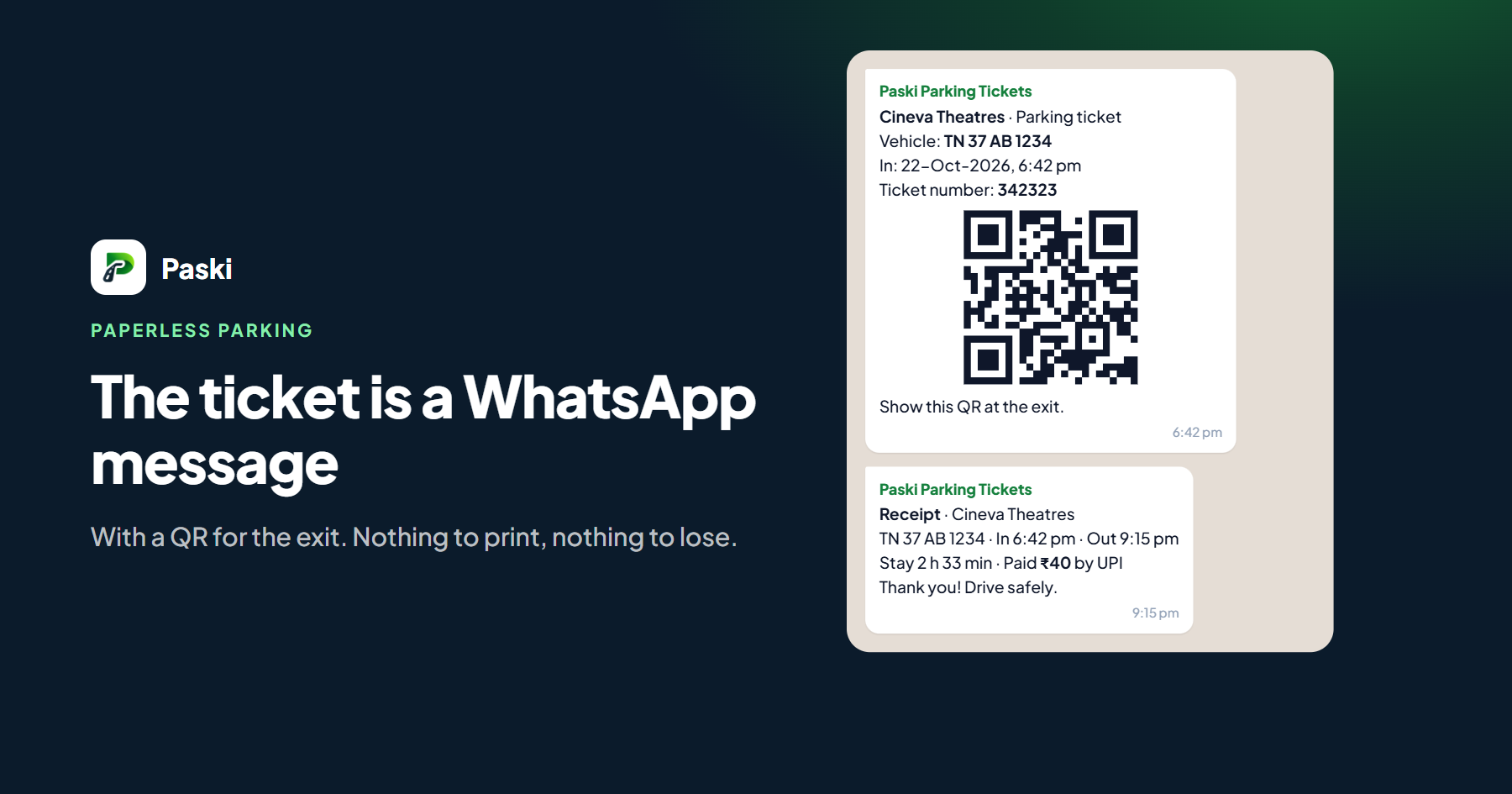
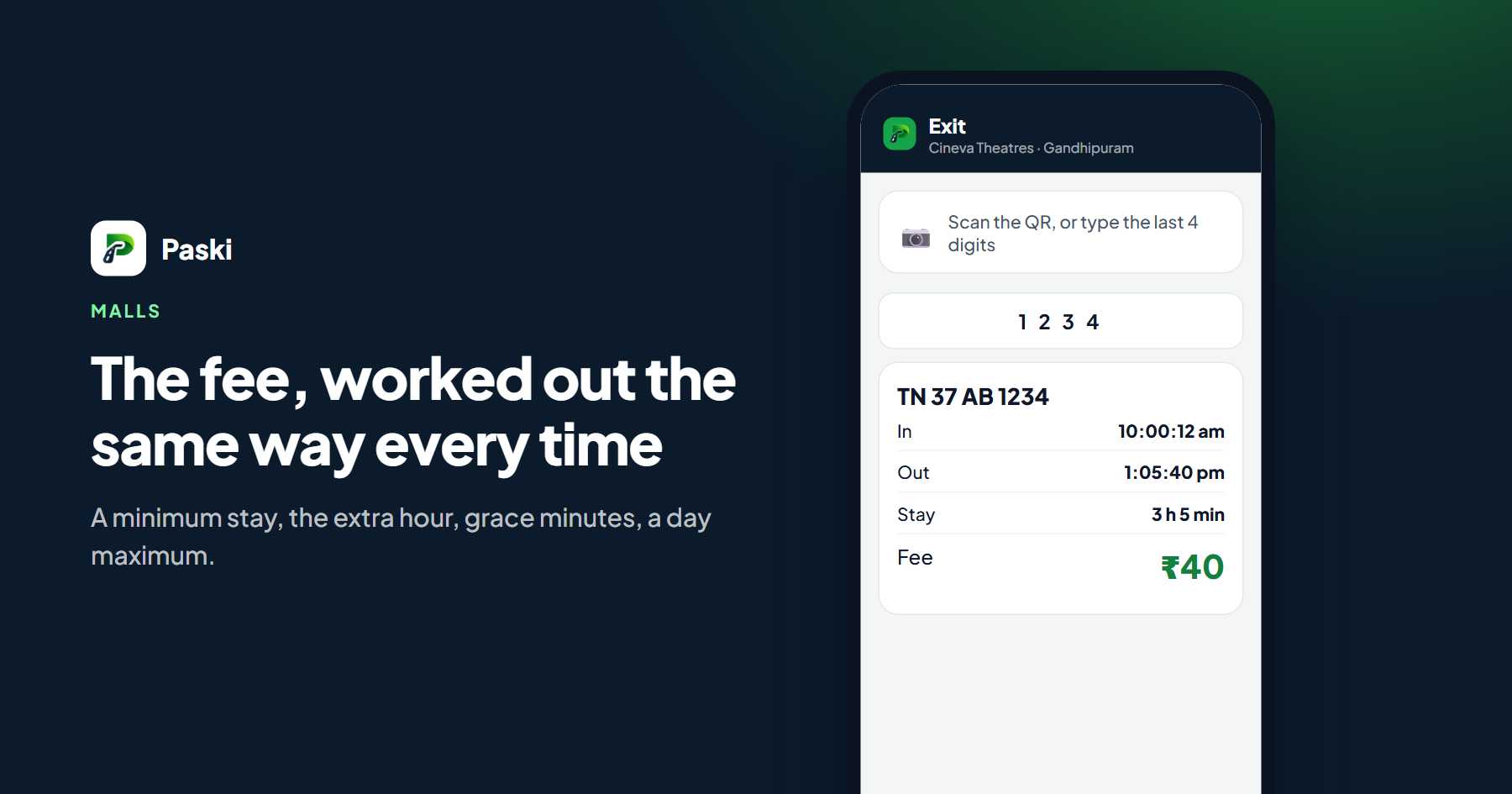
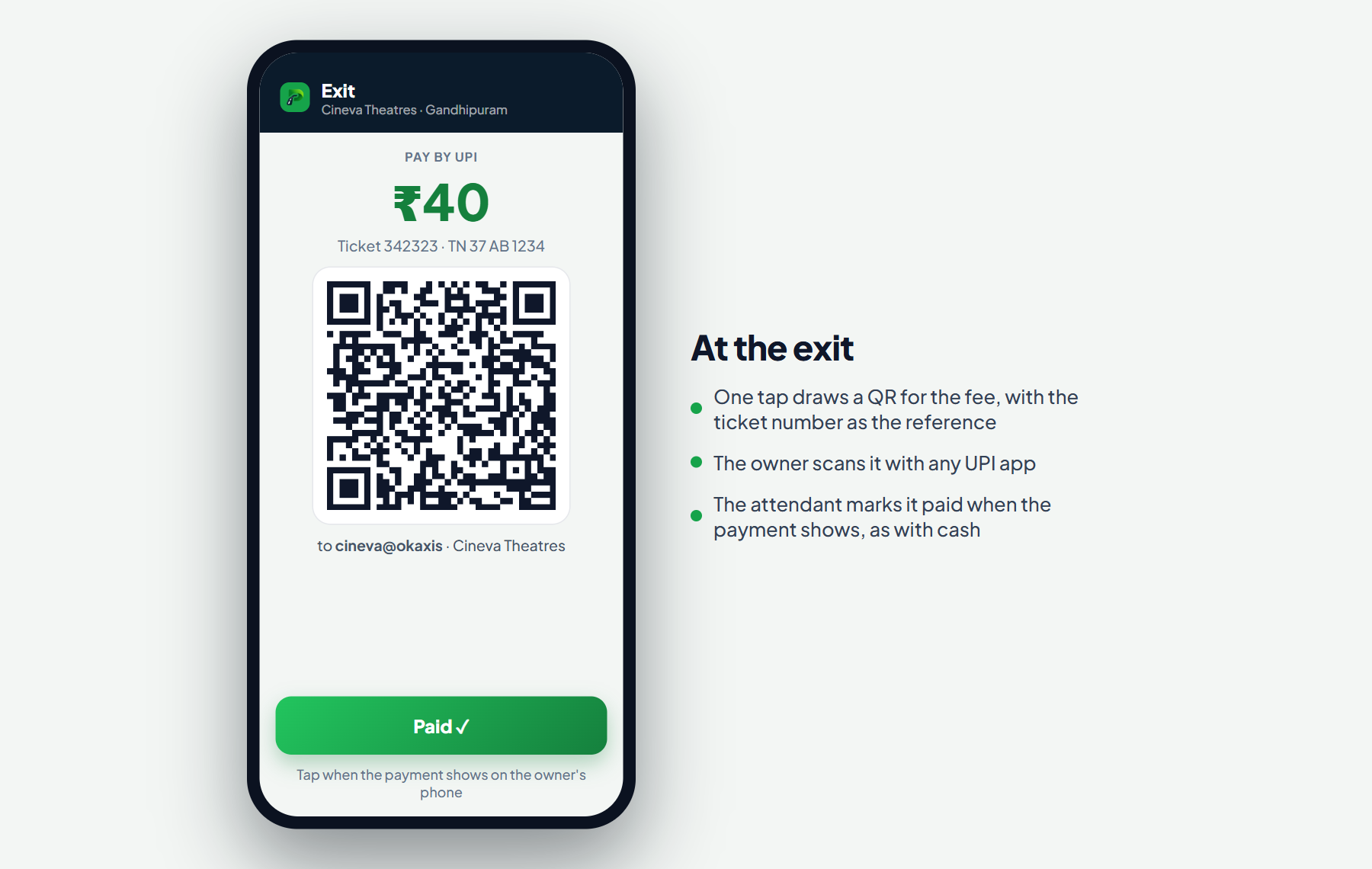
The attendant scans the ticket or types the last four digits of the number plate, and the screen shows the fee. One tap on "UPI" draws a QR for that amount with the ticket number as the reference. The owner scans it with any UPI app, sees the amount already filled in, and pays. The attendant sees the payment succeed on the owner's phone, taps "Paid", and the ticket closes with a UPI receipt on WhatsApp.
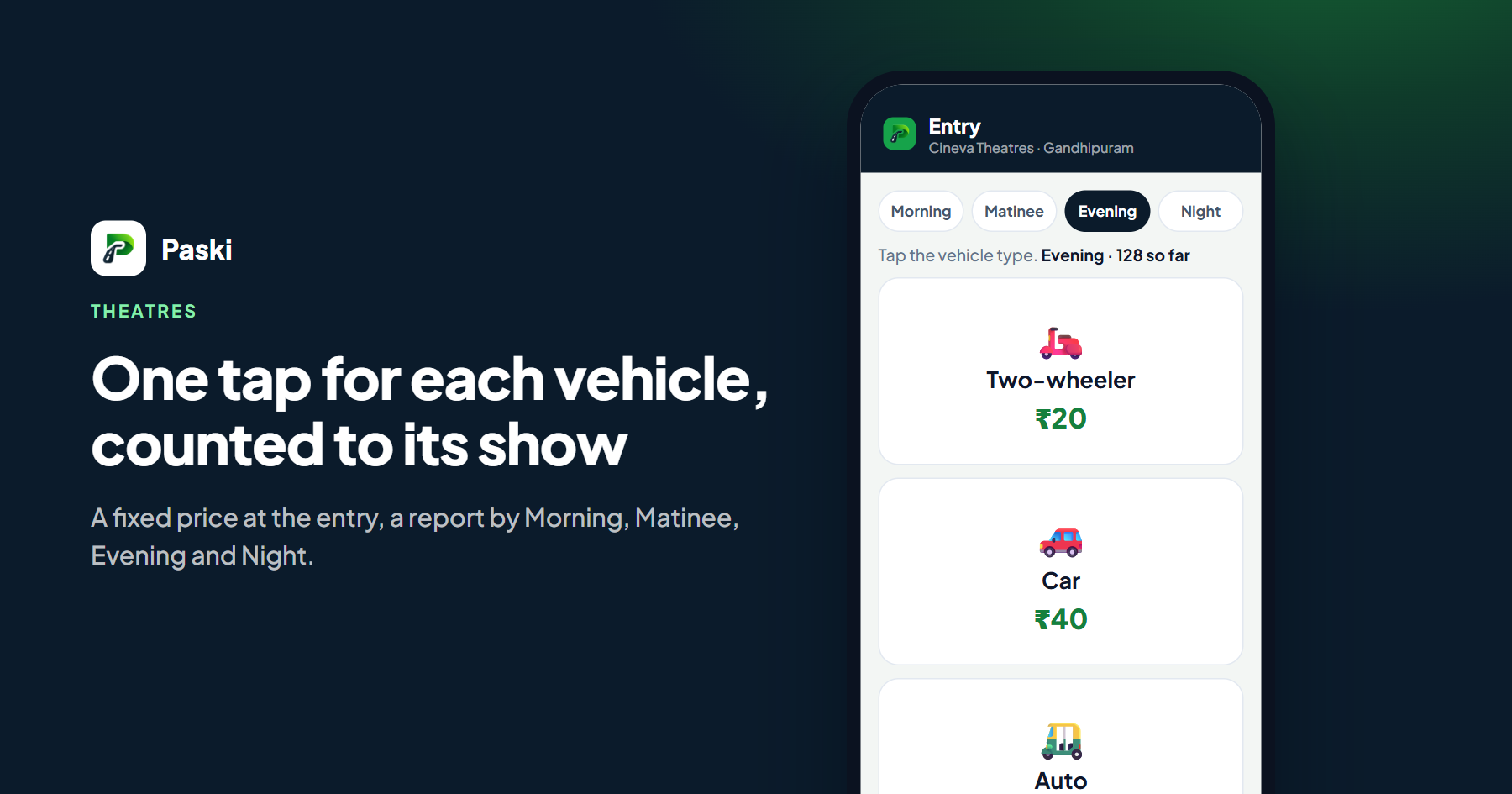
At a token gate, a theatre say, the QR is shown as the vehicle comes in, before the token is issued, so a token is never handed out for money that was not seen.
Nothing is marked paid by itself
A plain UPI QR does not tell the gate that the money arrived; only a payment gateway does, and a gateway costs a share of every rupee. Paski keeps the UPI QR free and keeps the decision with a person: the attendant marks the ticket paid when they have seen the payment succeed, exactly as they would with cash. The ticket records that it was paid by UPI, by whom and when, so the end-of-shift count shows cash and UPI apart.
The amount in the QR is set by the app, not typed by the owner, so a vehicle cannot pay ₹20 for a ₹60 stay and show a green tick.
The shift sheet
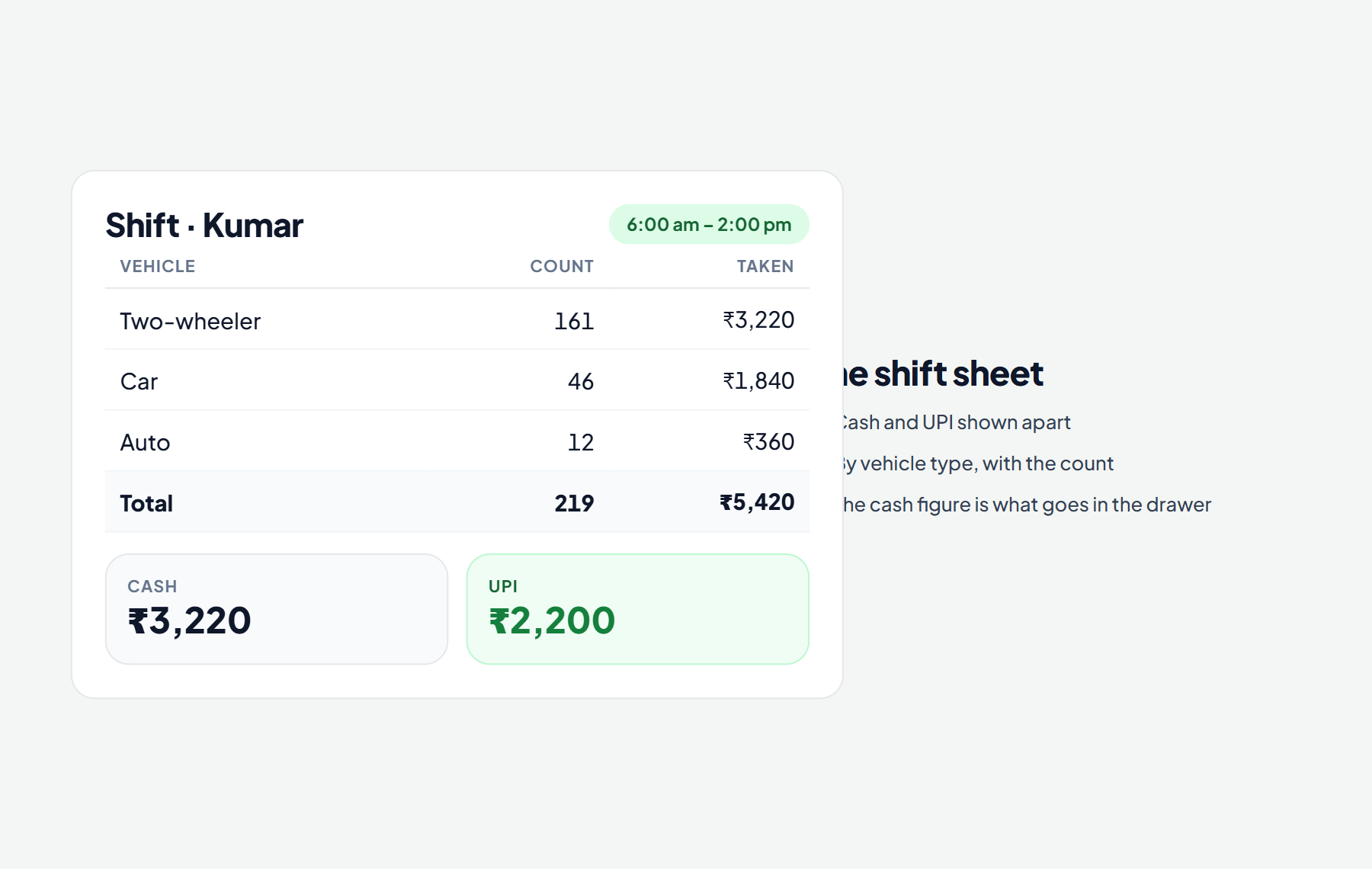
When the attendant closes their shift the sheet shows how much was taken in cash and how much by UPI, by vehicle type, with the number of vehicles. The cash figure is what goes in the drawer; the UPI figure is what the owner sees in the bank app. A difference in the cash needs a note before the shift can close.
- Cash and UPI shown apart, for each shift and for the day.
- Each ticket says how it was paid, and the receipt the owner gets says the same.
- Card and other ways can be ticked on for gates that have a card machine.
Without a signal
A basement gate often has no signal. The QR is drawn by the phone itself, so it works with no connection; the owner's own phone needs one to pay, as it would with any UPI QR. The ticket is kept on the phone and handed to the server when the signal returns.
Starting
Type your UPI id under parking settings and switch on "UPI at the exit". The first 15 days are free, and the UPI QR costs nothing after that: it is part of every plan.